
Packet A
A working window
- A laptop or desktop you can use regularly
- A modern browser and a text editor
- A folder for your own experiments
Shared equipment is fine; reliable access matters more than a perfect setup.
SUD–01Practical IT courses, grown slowly
Sudirelano is a small, grounded school for people who want to learn programming by tending one clear problem at a time: observe, sketch, build, test, and leave a useful field note for the next person.


Interactive curriculum selector
Each plot begins with a real working habit. Select one to see what you will cultivate, what you will make, and the tools you will meet along the way.

Plot 01 · Foundation
Start with the small vocabulary of a browser. You will write semantic HTML, shape pages with CSS, and use JavaScript to make an interface respond without hiding the mechanics.
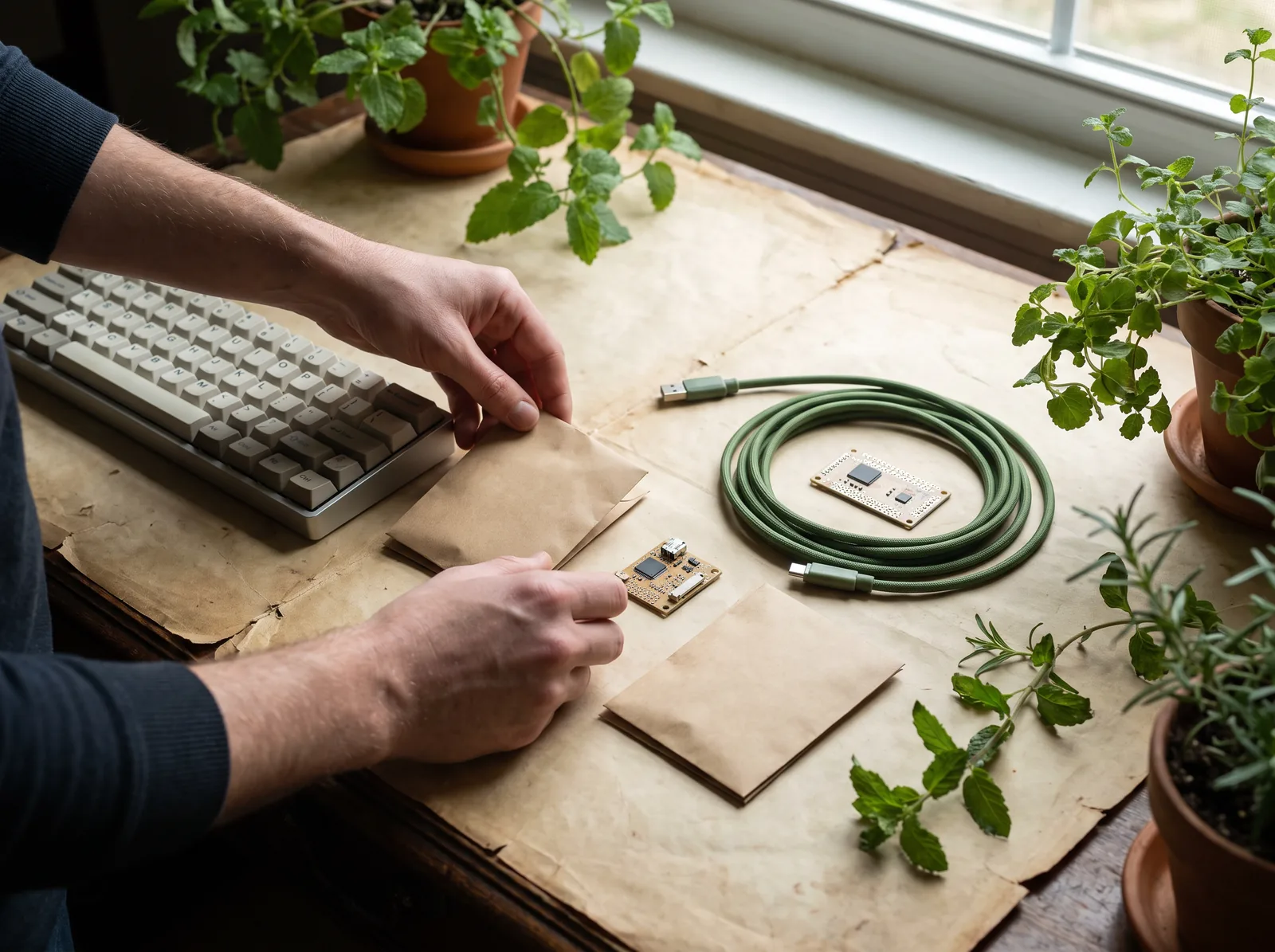
Seed-packet prerequisites
There is no gatekeeping list. These packets make the starting conditions explicit so you can choose a plot with confidence.
Shared equipment is fine; reliable access matters more than a perfect setup.
SUD–01Notes are not homework theatre. They are a record of how your thinking changed.
SUD–02Experience is welcome, but each plot is designed to be entered at ground level.
SUD–03Greenhouse lab beds

Turn a rough interface idea into labelled sections, accessible controls, and browser-ready structure.

Make tiny programs easier to explain by tracing inputs, conditions, loops, and the consequences of a change.
Use small pieces of data to practice reading signals, naming assumptions, and designing a simple dashboard.
Growth-chart control
This small control is a reminder rather than a score. Move the watering line to see a sensible practice cadence. The chart changes as a signal: enough attention to notice a pattern, never pressure to perform.
Try it: choose the amount of weekly attention you can honestly protect, then use the resulting rhythm to arrange short sessions.

Specimen table · debugging crop board
Debugging gets less mysterious when a problem is given a specimen label: what you expected, what appeared, and the smallest next test.
undefinedCheck where the value begins.no eventConfirm the listener can hear a click.too much stateSeparate one task from another.
Field clinic
Field clinic is a structured working session for looking at a snag together. We begin with what you tried and what the browser did, then agree on one next experiment you can carry back to your own plot.
Harvest archive · project notes
The archive collects project notes rather than polished victory laps. Each entry documents a question, a material, and the next thing worth trying.

A small browser tool for arranging recurring garden tasks without turning every reminder into an alarm. The useful question: which information deserves to be seen today?
Discuss a similar projectA study in writing interface feedback that is clear at rest, during action, and after an error.
A modest map of browser tools, local files, and the questions each tool helps answer.
Seed exchange handoff
At the end of a learning plot, choose one small fragment worth carrying forward: a checklist, a starter file, a debugging question, or a note for a future collaborator. Sudirelano treats handoff as part of the work, not an afterthought.
Start a conversationFour field questions
Every plot is deliberately practical. Here is how the learning environment is designed to feel and function.
No. The foundation plot assumes you are new to web work and spends time naming the moving parts a browser actually uses. If you have tried tutorials before, that is also useful: bring the points where the explanation stopped making sense, and we will turn those into concrete experiments rather than pretending they never happened.
A session has a visible shape: a short observation, a small build or repair, time to inspect what changed, and a field note that captures the next question. The goal is not to race through a long checklist. It is to practice recognizing evidence in your own work so the next step can be chosen with more care.
No. The courses focus on making and understanding digital tools, which can support work goals, a personal project, a community idea, or simple curiosity. Sudirelano does not promise a particular outcome. It offers a structured place to develop practical fluency, a clearer vocabulary, and habits for working through unfamiliar technical problems.
Field clinic does not replace your work with a quick answer. It gives a stubborn problem enough shared attention to become legible. Together we record the expected result, isolate a smaller version, and identify one next test. You leave with a method you can use again, plus notes that make the original confusion easier to revisit later.